
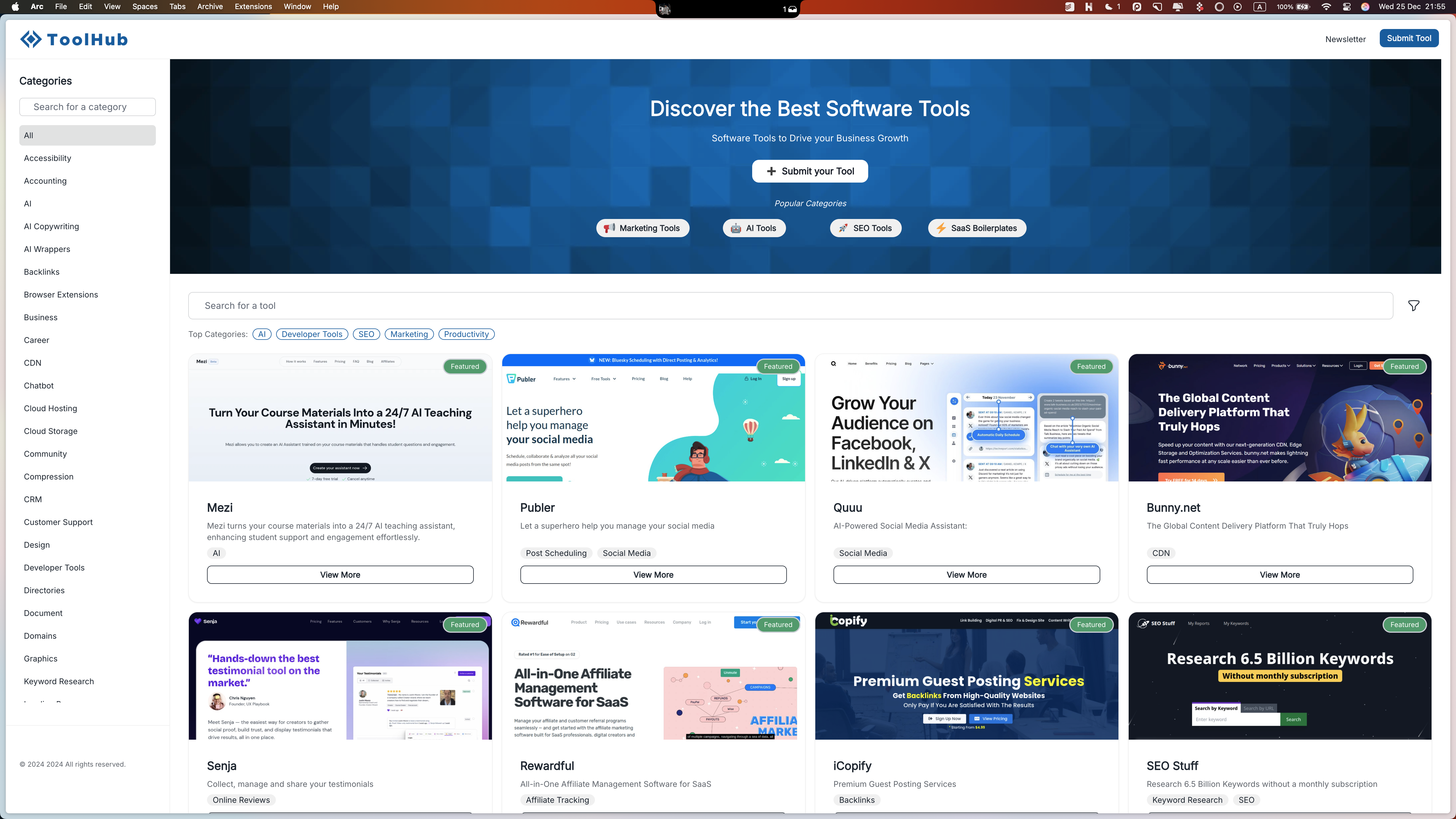
- Enter your directory name - This will appear in the header
- Add a title - This helps describe what your directory is about
- Write a description - Give visitors more context about your directory
Columns explained
Name
Your directory name appears next to your logo in the header. It helps visitors recognize your brand right away. You can change it anytime in settings or hide it completely - it’s up to you!Title
The title of the directory is displayed prominently in the header and serves as the main H1 heading for SEO purposes. It helps visitors and search engines understand what your directory is about. Like other elements, you can choose to hide it if it doesn’t fit your design preferences. The title also will be used as the SEO title (meta title) for your website. You can overwrite SEO metadata if you want to make them more specific.Description
The description appears below the title in the header section and helps provide additional context about your directory. Like the title, it serves dual purposes - it’s visible to visitors and also used as the meta description for SEO. You can customize or hide the description through the settings panel.Subdomain
Configure your directory subdomain
Custom Domain
Connect your own domain name